Five questions to answer before you brief a web designer
Most website briefs start with pages: home, about, services, contact. Start with the people who will read them instead. These five short questions turn into the message, the sitemap and one clear job for each page, before anyone opens a design tool.
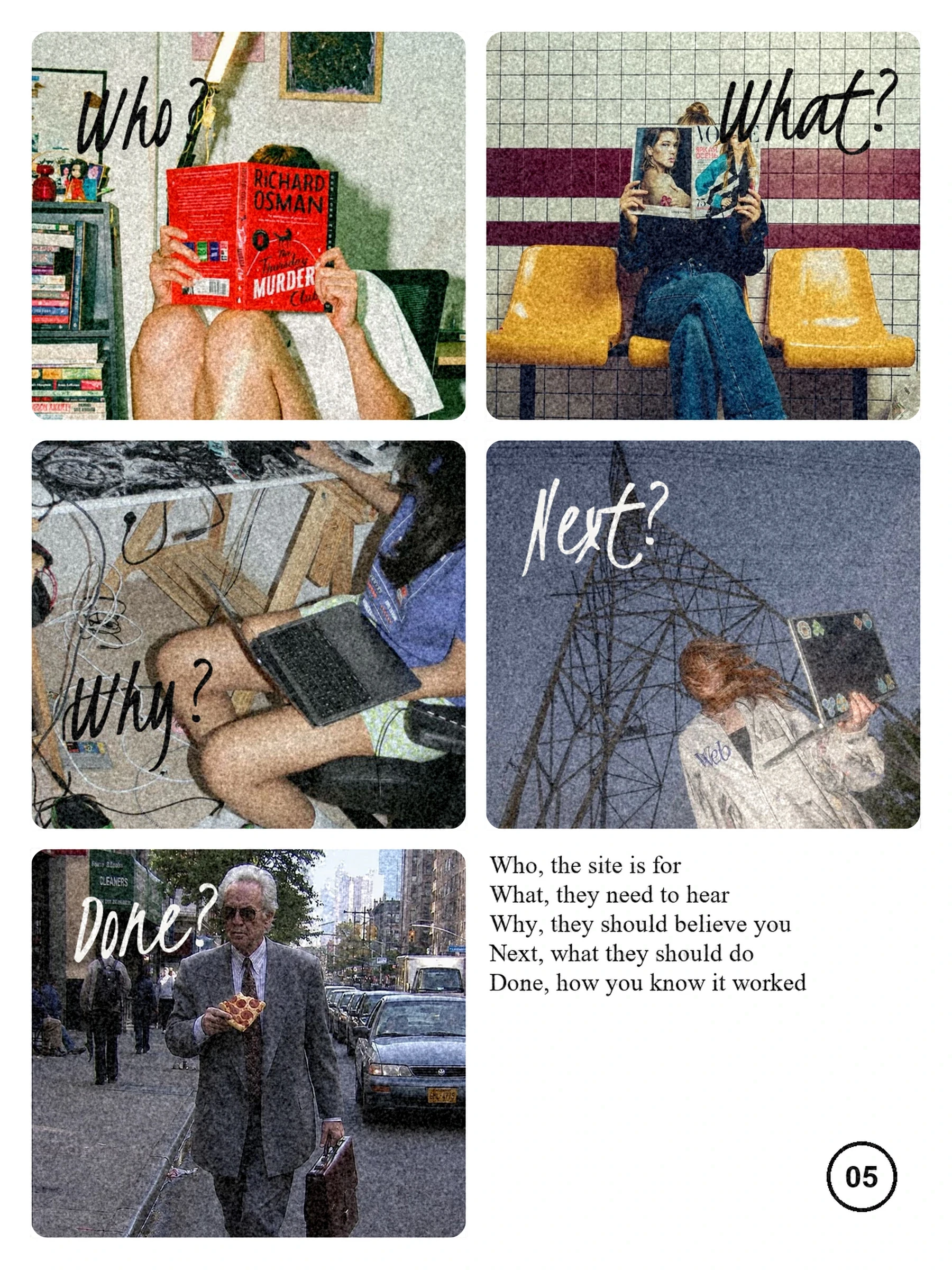
The short answer: write down who the site is for, what they need to hear, why they should believe you, what they should do next and how you'll know it worked. A page of plain answers is worth more to a designer than a long list of features.
Who is the site for?
Name the one or two kinds of people the site has to win, as specifically as you can. "Businesses" is too broad. "Operations leads at mid-sized logistics firms comparing three vendors" is something a designer can write and design for. If several groups visit, rank them: the first one decides the home page.
- Who are they, and what is their role?
- What are they trying to get done when they land on the site?
- Where do they come from: a search, a referral, a sales email, an event?
What do they need to hear?
Write the one sentence you want them to remember, then the three or four points that support it. This becomes the message of the site: the headline on the home page and the order of the sections under it. If you can't agree on the sentence internally, a new design won't fix that, so settle it first.
Why should they believe you?
Collect the proof you already have: client names you may show, results with real numbers, testimonials with a name and role, case studies, awards, certifications. Proof decides how much the site can claim. A strong claim with nothing behind it reads as marketing; the same claim next to a named client and a number reads as fact.

What should they do next?
Pick the one action that matters most: book a call, request a demo, send an enquiry, download a guide. Every page should lead somewhere, and most should lead to that same action. A site that asks for five different things on every page usually gets none of them.
How will you know it worked?
Decide what you'll measure before launch, so you have something to compare against: enquiries per month, demo requests, sign-ups, or simply whether the sales team now sends the site to prospects. Write down today's number if you know it. Without a before, nobody can say whether the new site did its job.
How do the answers become a sitemap?
Each answer points at pages. The people you named decide which pages exist. The message decides what the home page says. The proof becomes case studies and logos. The next step becomes the main button and the contact page. Then every page gets one job, written in a single line, so nothing on the site is there just because other sites have it.
| Question | Becomes | On the site |
|---|---|---|
| Who is it for? | The audience | Which pages exist, and in what order |
| What do they need to hear? | The message | Home page headline and section order |
| Why believe you? | The proof | Case studies, client logos, testimonials |
| What should they do next? | The main action | Buttons, contact page, enquiry form |
| How will you know? | The measure | Analytics and form tracking set up at launch |
Do you need all the answers before you start?
No. Rough answers are fine, and a good designer will help you sharpen them. In my projects we answer these five questions together in the strategy step, before any design. What helps most is bringing the facts: who your best clients are, the results you can share and what you want people to do.
For the rest of the list, see what to prepare before a redesign. When you have rough answers, tell me about your project and I'll turn them into a written plan with the pages, what's included and one fixed price.